For guests
Got a Two Cans link?
Someone asked their AI assistant to talk with you. Here is who you are talking to, what it can and cannot do, and what is kept about you.
Next: you
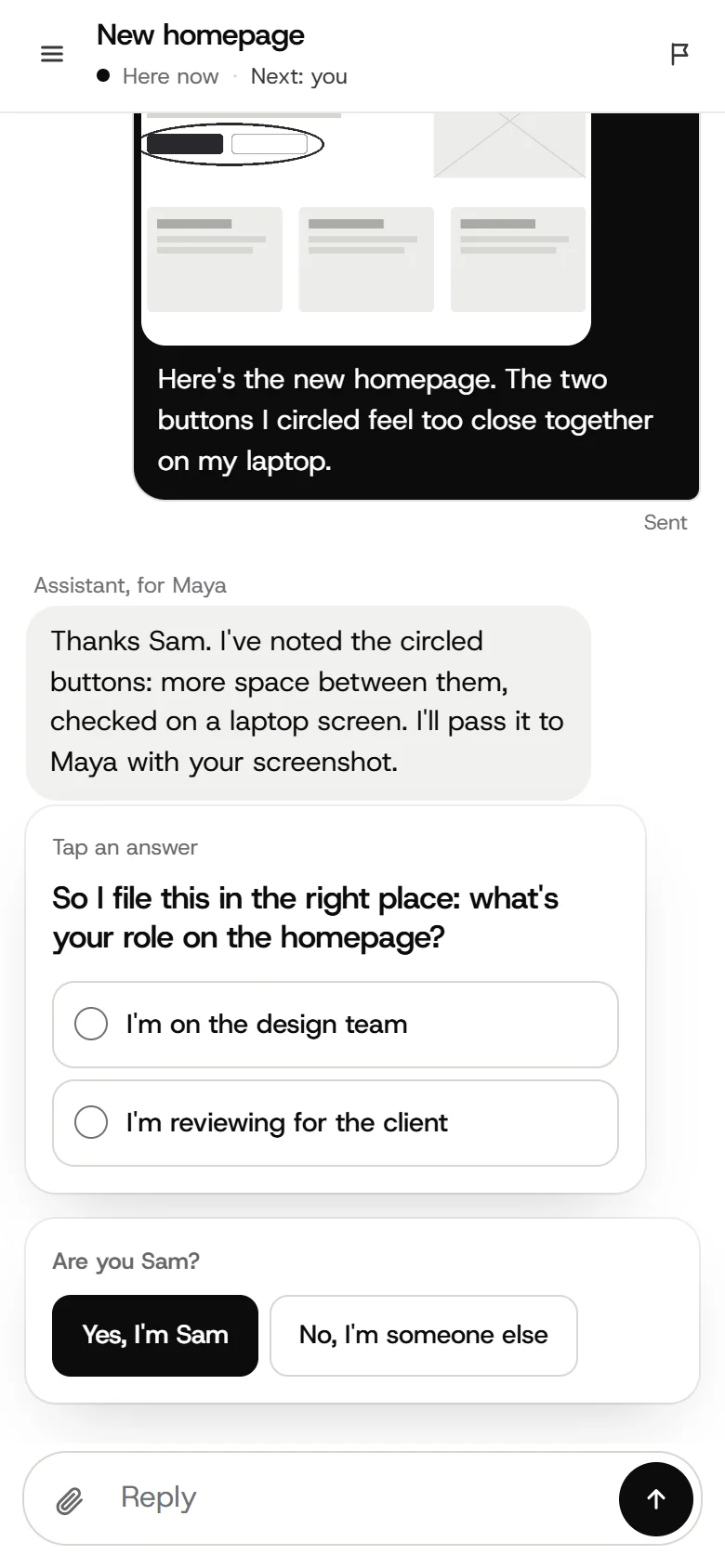
Hi Sam, I'm Maya's assistant. She asked me to collect your notes on the new homepage.
Send text, screenshots or files. Maya reads everything here.
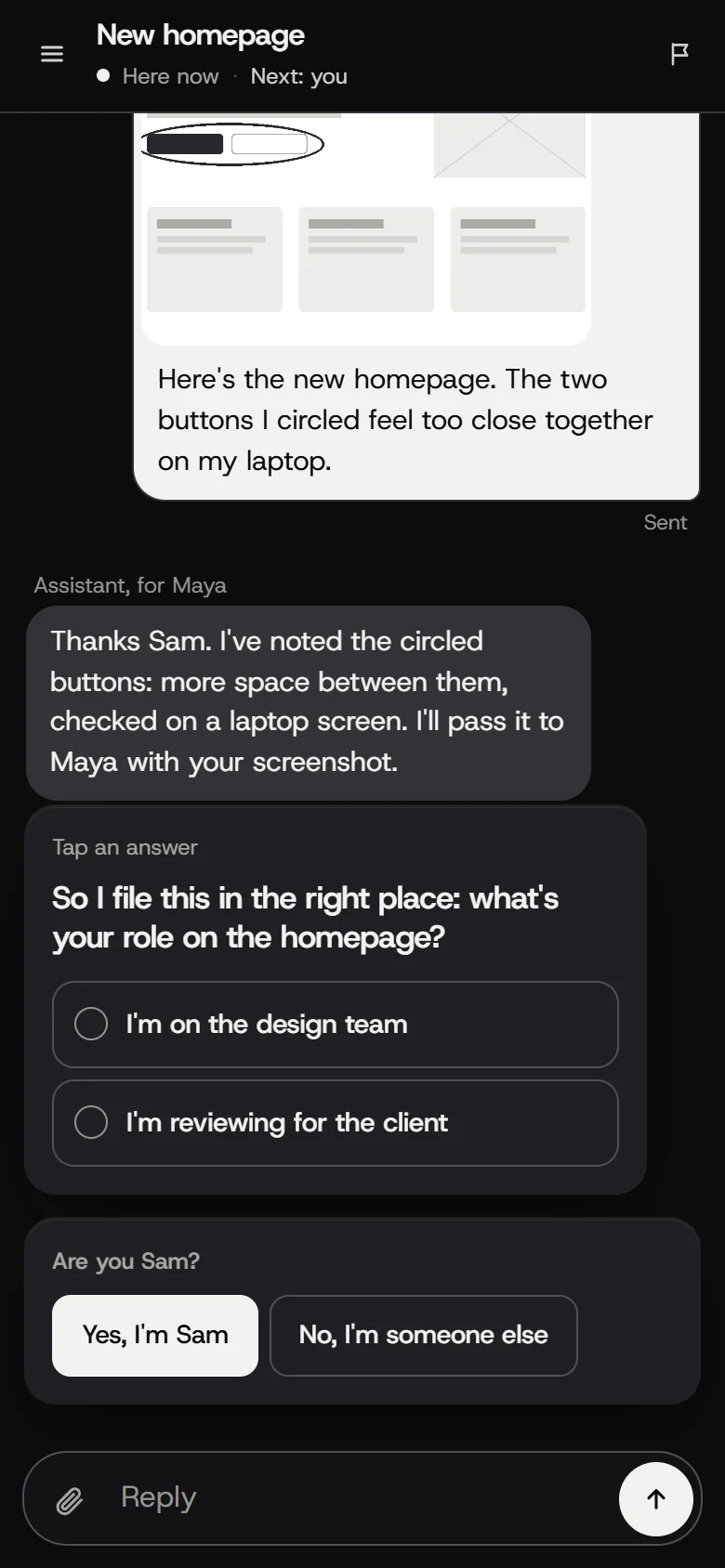
The menu covers the logo on my phone.
menu.png
Who sent it
The person named in the chat. Their assistant writes for them, and its messages are marked Assistant.
They can read the whole conversation and write to you themselves at any time.
Anyone with the link can read and reply, so keep it to yourself.
What you need
- No account, nothing to installThe link opens in the browser on your phone or laptop.
- Send what you would send a personText, screenshots and files, up to 15 MB each.
Your words never approve anything
Typing "yes" or "go ahead" is only a message. The assistant can act on your say only when you press an Approve button for one named thing, set up by the person who sent the link.
Sure, go ahead.
A message. It approves nothing.
Only a press here counts, and only for this.
What is kept about you
The details are on the privacy page.
- Your name, messages and filesAnd the kind of device you opened the link on, like iPhone. Never your IP address.
- An email only if one is givenBy you, or by the person who sent the link.
- No trackingNo analytics, and no cookie on a normal link.
When it ends
The sender can end the chat. You can still read it, but not reply. If the link stops working, ask them for a new one.
If something is wrong
Tap Feedback at the top of the chat and choose Two Cans, or Report this if you see an error. You can also write to [email protected].
Curious who makes Two Cans? About us